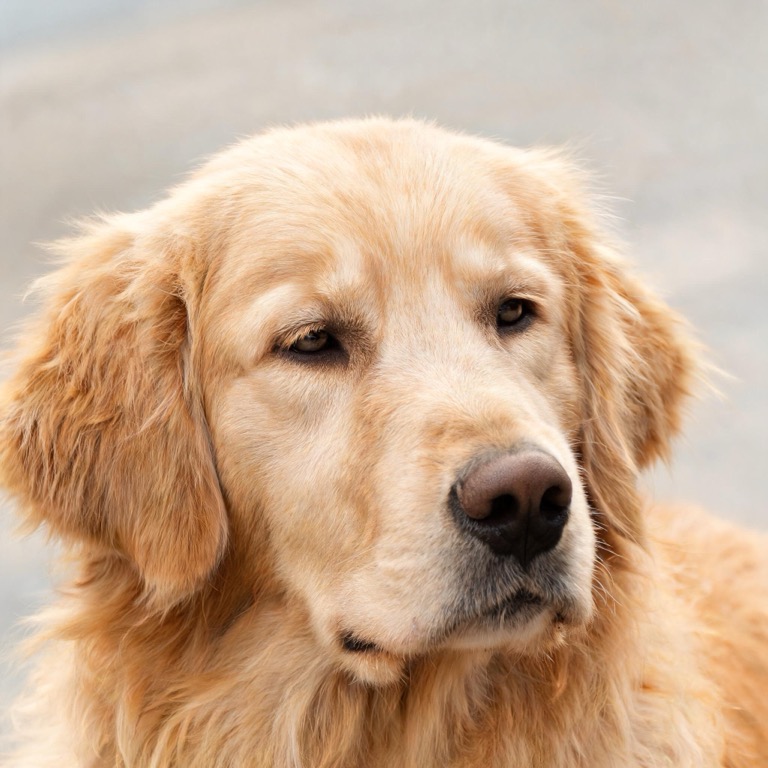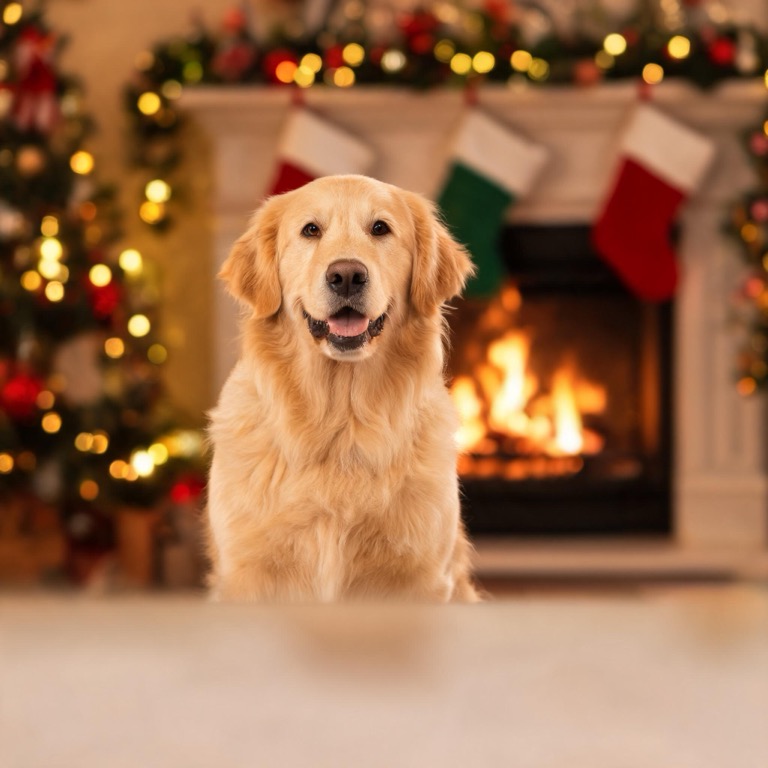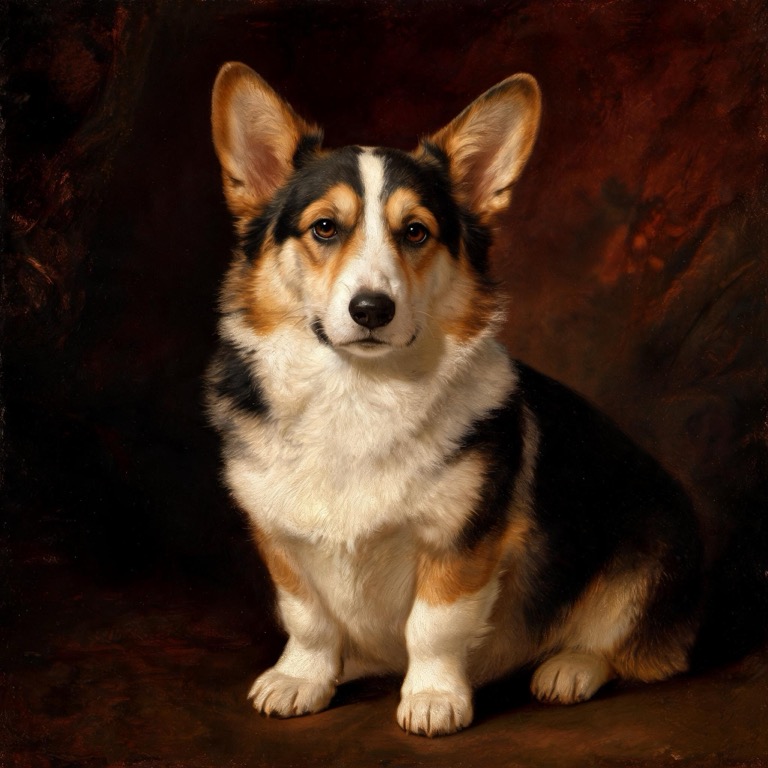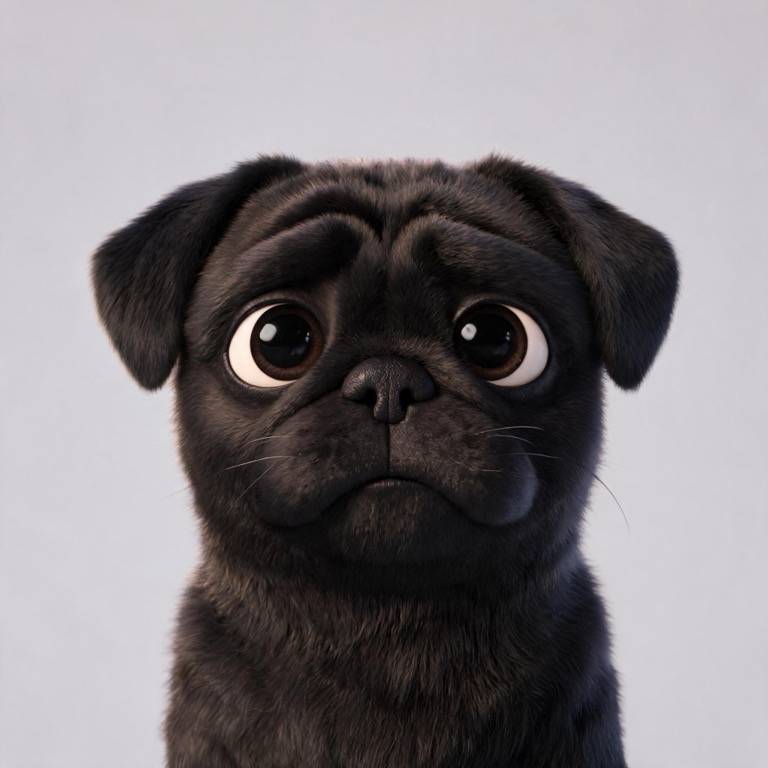
When an AI pet portrait comes out looking generic, the problem is almost never the AI. It's the reference photo. The model can only love the face you show it — and these seven mistakes hide that face. All fixes take about two minutes with a phone. Every claim below comes from regenerating hundreds of portraits in our own studio (how our AI works).
1. The face is too small in the frame
The number one mistake. A beautiful shot of your dog bounding across a meadow gives the model a face the size of a postage stamp. Crop closer: the face should fill a good third of the frame. If your only photo is a wide shot, crop it before uploading.
2. The light is behind your pet
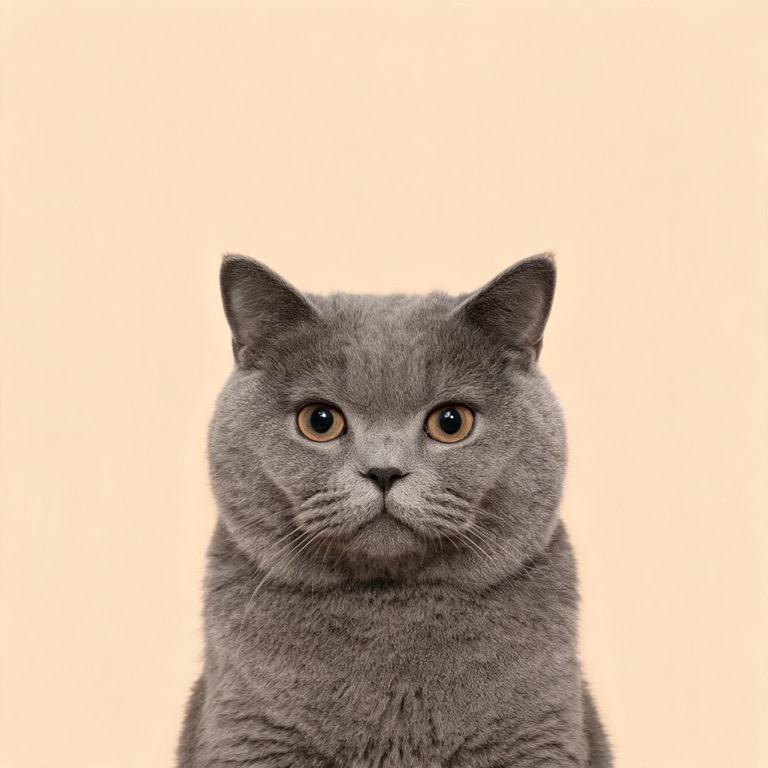
Backlit photos turn faces into silhouettes, and the model guesses fur color in shadow — usually wrong. Stand with your back to the window or shoot outdoors in open shade. If you can see the sparkle in their eyes, the light is right.
3. Your pet is mid-motion
Motion blur softens exactly the details the model needs: eye edges, whiskers, fur direction. The result comes out "inspired by" rather than "is". Wait for the sit-stay moment, or use burst mode and pick the sharpest frame.
4. Someone's holding the leash (or the pet)
Arms, leashes, hands and half-a-human get blended into the composition. The instruction is simple: the pet alone in the frame. Put the leash down, step back, and shoot.
5. Multiple pets in one photo
The model will merge two dogs into one dog that belongs to neither. Photograph each pet separately — every portrait gets its own reference, and you can still commission a portrait for each of them.
6. The photo is old or low-resolution
A seven-year-old screenshot from a broken phone camera can't carry fine fur detail. Anything above roughly 1000 pixels wide works; screenshots of screenshots don't. If the photo is precious but tiny, upscale it first or retake it — most pets will sit for a fresh shot for a treat.
7. The angle is the one you always take
Looking down at a sleeping pet flattens the face. The strongest reference is at your pet's eye level: crouch down, face-on, eyes visible. If you have a second angle — a three-quarter side view — add it; two angles noticeably improve fur and eye fidelity.
Two questions we hear every day
"Can I use an old photo?" Yes — the model works from any clear picture, even a pet who has passed away. Older cameras (pre-2015 phone shots, scanned prints) often lack the fine fur detail the model needs, so expectations should be a little softer, but memorial portraits from archive photos are some of the most meaningful pictures we make.
"How many photos should I add?" One perfect photo beats four mediocre ones. If you have a second angle — a side view or a sitting pose — add it and the studio will pull fur and eye detail from both. More than four is unnecessary; the model only needs to learn one face.
The 30-second checklist
Before you upload, run through it:
- Face fills a third of the frame
- Light on the face, catchlights in the eyes
- Sharp, not mid-blur
- Pet alone, no leash, no hands
- Eye-level angle
Photos that pass this list produce portraits that read as your animal on the first try — we test every template in the character library with exactly this kind of shot. The complete guide covers what happens after the upload — and if the photo is genuinely great but the result still misses, just regenerate: it's free, and the second attempt usually lands.
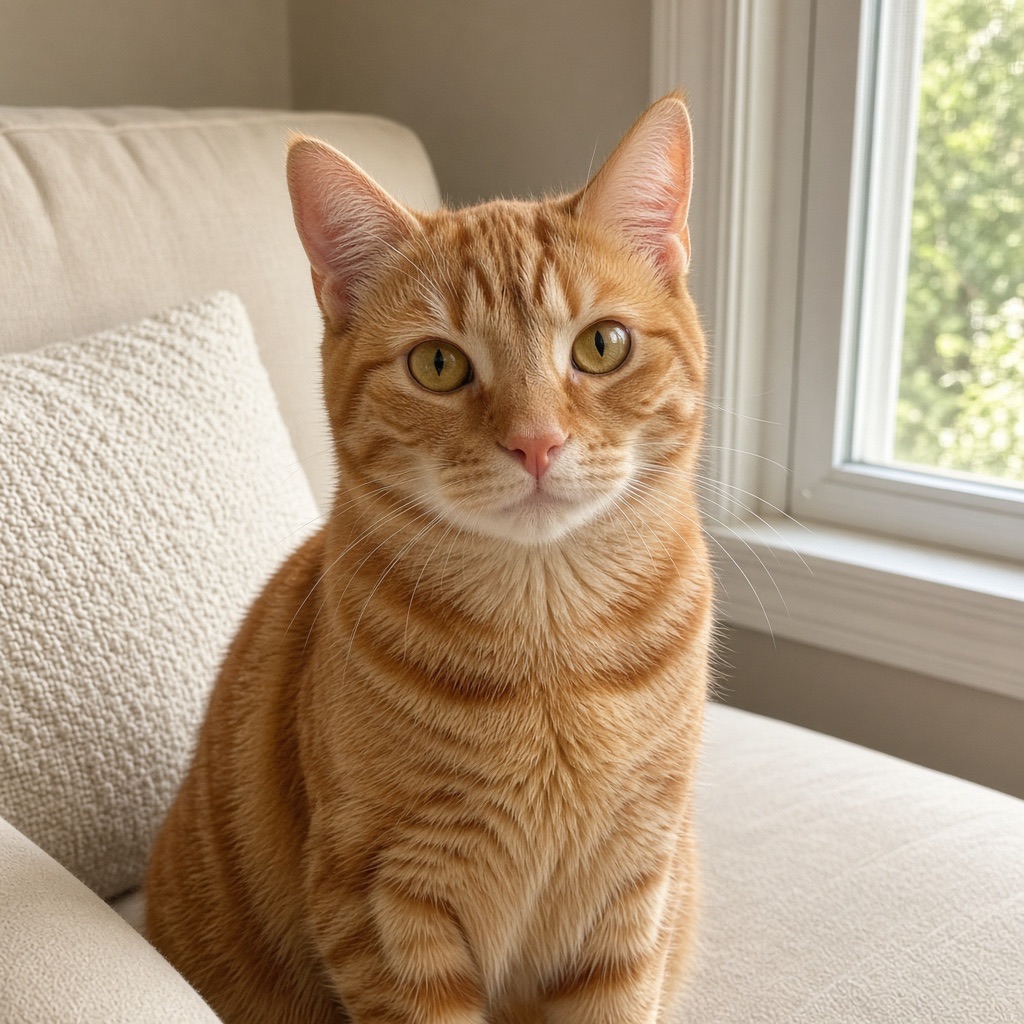
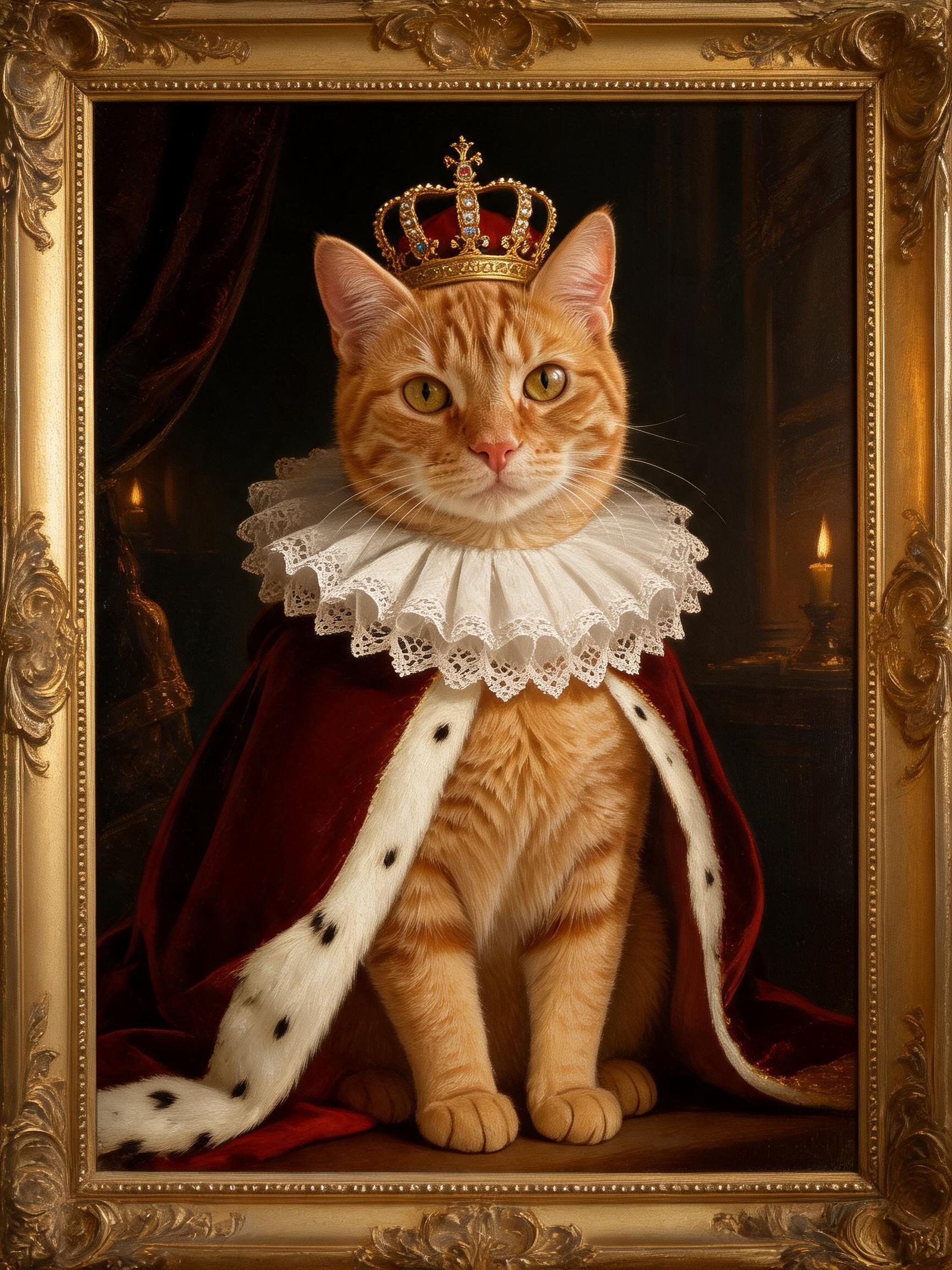
Here's the whole idea in one before-and-after, made in our studio: an ordinary snapshot in, a portrait that is unmistakably the same cat out.
Prefer a cartoon look for your photo? The same rules apply to the pet avatar maker. Ready to test your best photo? Make your first portrait free — three pictures a day, no account needed to start.